2023-11-09 19:15:01 +08:00
|
|
|
|
# 使用说明
|
|
|
|
|
|
|
|
|
|
|
|
容器以普通用户身份运行的,
|
|
|
|
|
|
|
|
|
|
|
|
但是默认面板创建应用时,可能会将所需的数据文件夹设定身份为`root`,导致首次运行异常。
|
|
|
|
|
|
|
|
|
|
|
|
不用在意,执行以下命令,将文件夹改成普通用户身份,再重建应用即可。
|
|
|
|
|
|
|
2025-06-17 22:14:50 +08:00
|
|
|
|
* 路径注意按需修改
|
|
|
|
|
|
|
2023-11-09 19:15:01 +08:00
|
|
|
|
```
|
|
|
|
|
|
chown -R 1000:1000 /opt/1panel/apps/local/navidrome/navidrome/data
|
|
|
|
|
|
```
|
|
|
|
|
|
|
|
|
|
|
|
# 原始相关
|
|
|
|
|
|
|
2025-06-17 22:14:50 +08:00
|
|
|
|
[](https://www.navidrome.org)
|
2023-11-09 19:15:01 +08:00
|
|
|
|
|
2025-06-17 22:14:50 +08:00
|
|
|
|
# Navidrome 音乐服务器[](https://twitter.com/intent/tweet?text=Tired%20of%20paying%20for%20music%20subscriptions%2C%20and%20not%20finding%20what%20you%20really%20like%3F%20Roll%20your%20own%20streaming%20service%21&url=https://navidrome.org&via=navidrome)
|
2023-11-09 19:15:01 +08:00
|
|
|
|
|
2025-06-17 22:14:50 +08:00
|
|
|
|
[](https://github.com/navidrome/navidrome/releases) [](https://nightly.link/navidrome/navidrome/workflows/pipeline/master) [](https://github.com/navidrome/navidrome/releases/latest) [](https://hub.docker.com/r/deluan/navidrome) [](https://discord.gg/xh7j7yF) [](https://www.reddit.com/r/navidrome/) [](CODE_OF_CONDUCT.md)
|
2023-11-09 19:15:01 +08:00
|
|
|
|
|
2025-06-17 22:14:50 +08:00
|
|
|
|
Navidrome 是一个开源的基于网络的音乐收藏服务器和流媒体播放器。它让你能够从任何浏览器或移动设备上自由地聆听你的音乐收藏。它就像你自己的 Spotify!
|
2023-11-09 19:15:01 +08:00
|
|
|
|
|
2025-06-17 22:14:50 +08:00
|
|
|
|
**注意** :开发过程中,`master` 分支可能处于不稳定甚至无法使用的状态。为了获得稳定的二进制文件,请使用 [发布版本](https://github.com/navidrome/navidrome/releases) 而不是 `master` 分支。
|
2023-11-09 19:15:01 +08:00
|
|
|
|
|
2025-06-17 22:14:50 +08:00
|
|
|
|
## [查看我们的实时演示!](https://www.navidrome.org/demo/)
|
2023-11-09 19:15:01 +08:00
|
|
|
|
|
2025-06-17 22:14:50 +08:00
|
|
|
|
**任何反馈都欢迎!** 如果你需要/想要新功能,发现 bug 或者有任何改进 Navidrome 的想法,请在 [GitHub 问题](https://github.com/navidrome/navidrome/issues) 中提交问题,或者加入我们在 [Reddit](https://www.reddit.com/r/navidrome/) 的讨论。如果你希望通过其他方式为项目做贡献( [前端/后端开发](https://www.navidrome.org/docs/developers/) , [翻译](https://www.navidrome.org/docs/developers/translations/) , [主题设计](https://www.navidrome.org/docs/developers/creating-themes) ),请加入我们在 [Discord 服务器](https://discord.gg/xh7j7yF) 。
|
2023-11-09 19:15:01 +08:00
|
|
|
|
|
2025-06-17 22:14:50 +08:00
|
|
|
|
## 安装
|
2023-11-09 19:15:01 +08:00
|
|
|
|
|
2025-06-17 22:14:50 +08:00
|
|
|
|
请参阅项目网站上的[说明](https://www.navidrome.org/docs/installation/)
|
2023-11-09 19:15:01 +08:00
|
|
|
|
|
2025-06-17 22:14:50 +08:00
|
|
|
|
## 云托管
|
2023-11-09 19:15:01 +08:00
|
|
|
|
|
2025-06-17 22:14:50 +08:00
|
|
|
|
[PikaPods](https://www.pikapods.com) 已与我们合作,为您提供 [官方支持的云托管解决方案](https://www.navidrome.org/docs/installation/managed/#pikapods) 。部分收入将用于资助 Navidrome 的开发,不会额外增加您的成本。
|
2023-11-09 19:15:01 +08:00
|
|
|
|
|
|
|
|
|
|
[](https://www.pikapods.com/pods?run=navidrome)
|
|
|
|
|
|
|
2025-06-17 22:14:50 +08:00
|
|
|
|
## 功能
|
|
|
|
|
|
|
|
|
|
|
|
* 处理非常 **庞大的音乐库**
|
|
|
|
|
|
* 几乎可以 **流式传输任何音频格式**
|
|
|
|
|
|
* 读取并使用你所有精心整理的**元数据**
|
|
|
|
|
|
* 支持**合辑** (各种艺术家专辑)和**盒装集** (多碟专辑)
|
|
|
|
|
|
* **多用户** ,每个用户有自己的播放次数、播放列表、收藏等...
|
|
|
|
|
|
* 资源占用非常**低**
|
|
|
|
|
|
* 多平台,运行在 macOS、Linux 和 Windows 上。还提供了 Docker 镜像
|
|
|
|
|
|
* 适用于所有主要平台的可直接使用的二进制文件,包括 Raspberry Pi
|
|
|
|
|
|
* 自动监控您的库文件夹,检测更改后导入新文件并重新加载新元数据
|
|
|
|
|
|
* 可自定义主题,现代且响应式的 Web 界面,基于 Material UI
|
|
|
|
|
|
* 兼容所有 Subsonic/Madsonic/Airsonic [客户端](https://www.navidrome.org/docs/overview/#apps)
|
|
|
|
|
|
* 实时转码。可以按用户/播放器设置。 **支持 Opus 编码**
|
|
|
|
|
|
* 已翻译成多种语言
|
|
|
|
|
|
|
|
|
|
|
|
## 文档
|
|
|
|
|
|
|
|
|
|
|
|
所有文档可以在项目网站上找到:[https://www.navidrome.org/docs](https://www.navidrome.org/docs)。以下是些有用的直接链接:
|
|
|
|
|
|
|
|
|
|
|
|
* [概览](https://www.navidrome.org/docs/overview/)
|
|
|
|
|
|
* [安装](https://www.navidrome.org/docs/installation/)
|
|
|
|
|
|
* [Docker](https://www.navidrome.org/docs/installation/docker/)
|
|
|
|
|
|
* [二进制文件](https://www.navidrome.org/docs/installation/pre-built-binaries/)
|
|
|
|
|
|
* [源码构建](https://www.navidrome.org/docs/installation/build-from-source/)
|
|
|
|
|
|
* [开发](https://www.navidrome.org/docs/developers/)
|
|
|
|
|
|
* [Subsonic API 兼容性](https://www.navidrome.org/docs/developers/subsonic-api/)
|
|
|
|
|
|
|
|
|
|
|
|
## 截图
|
|
|
|
|
|
|
|
|
|
|
|
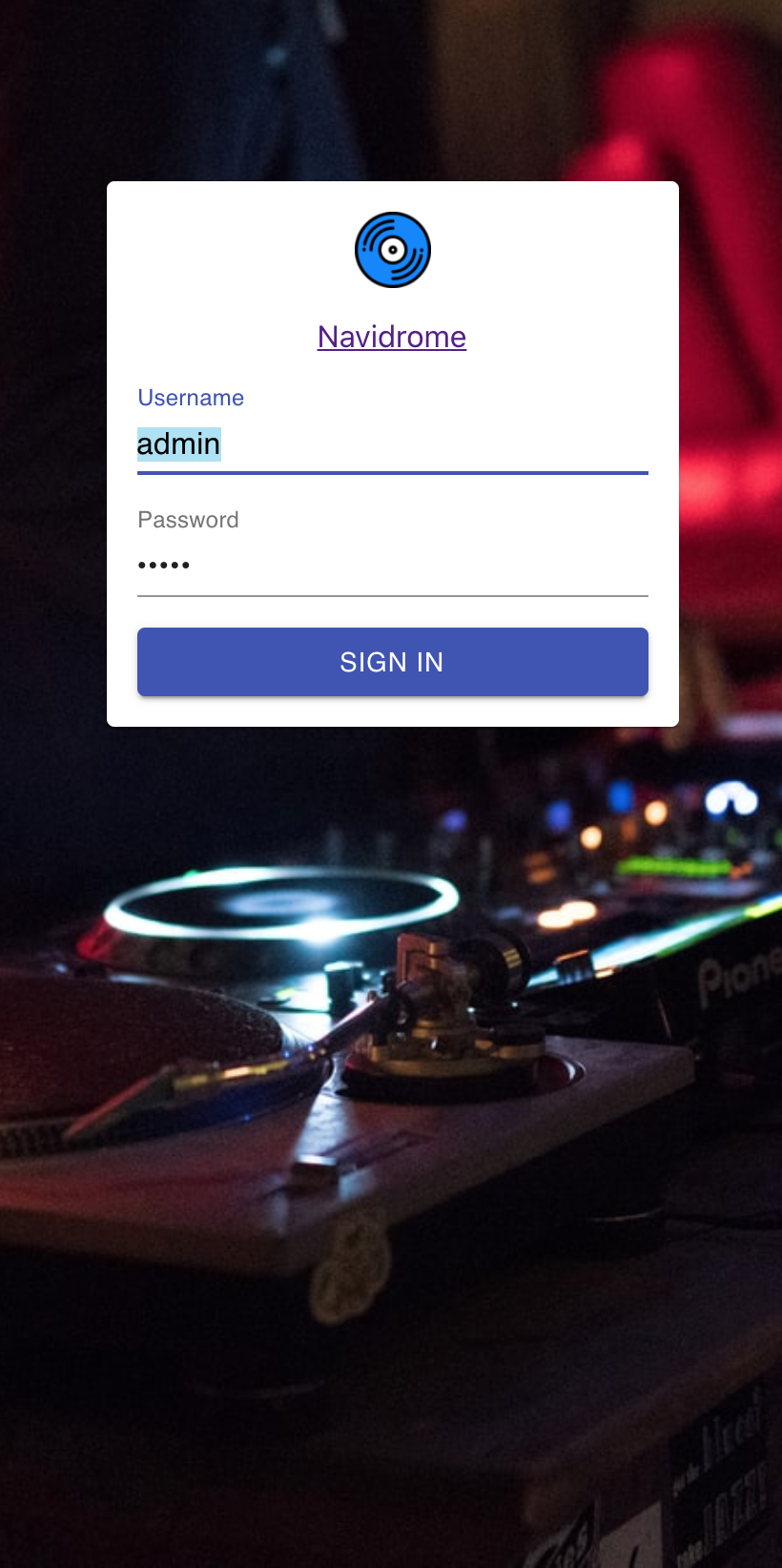 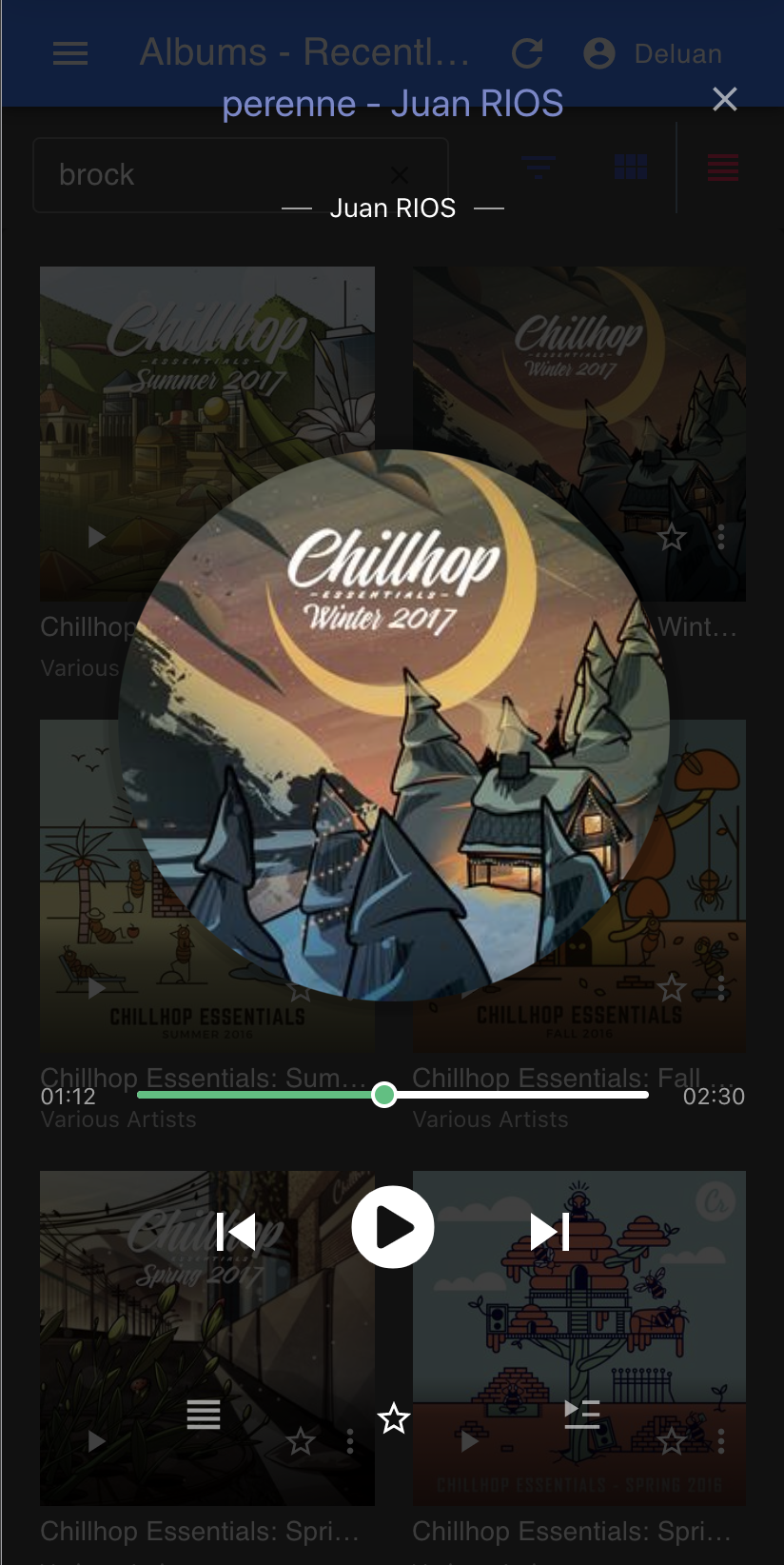 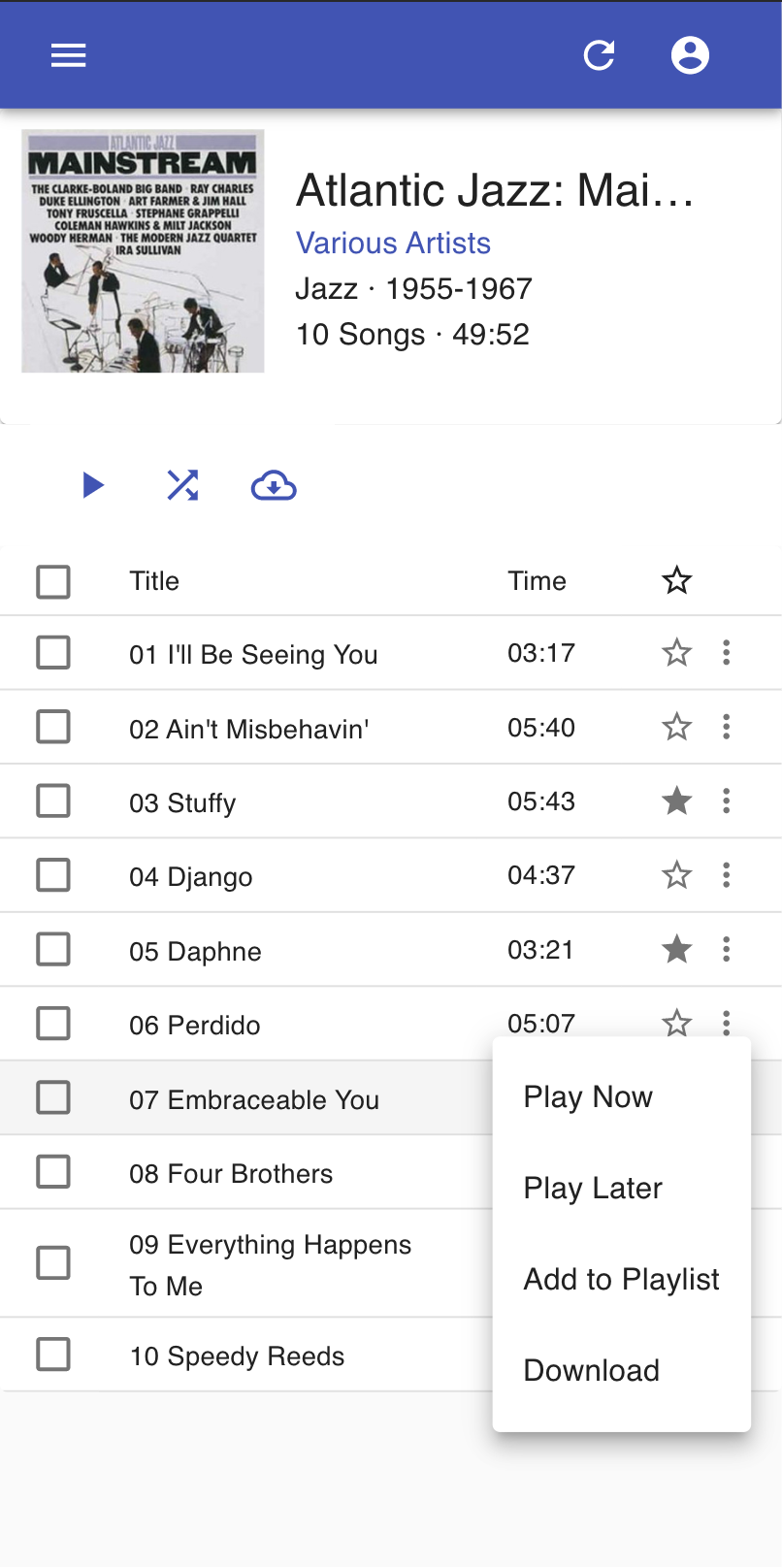 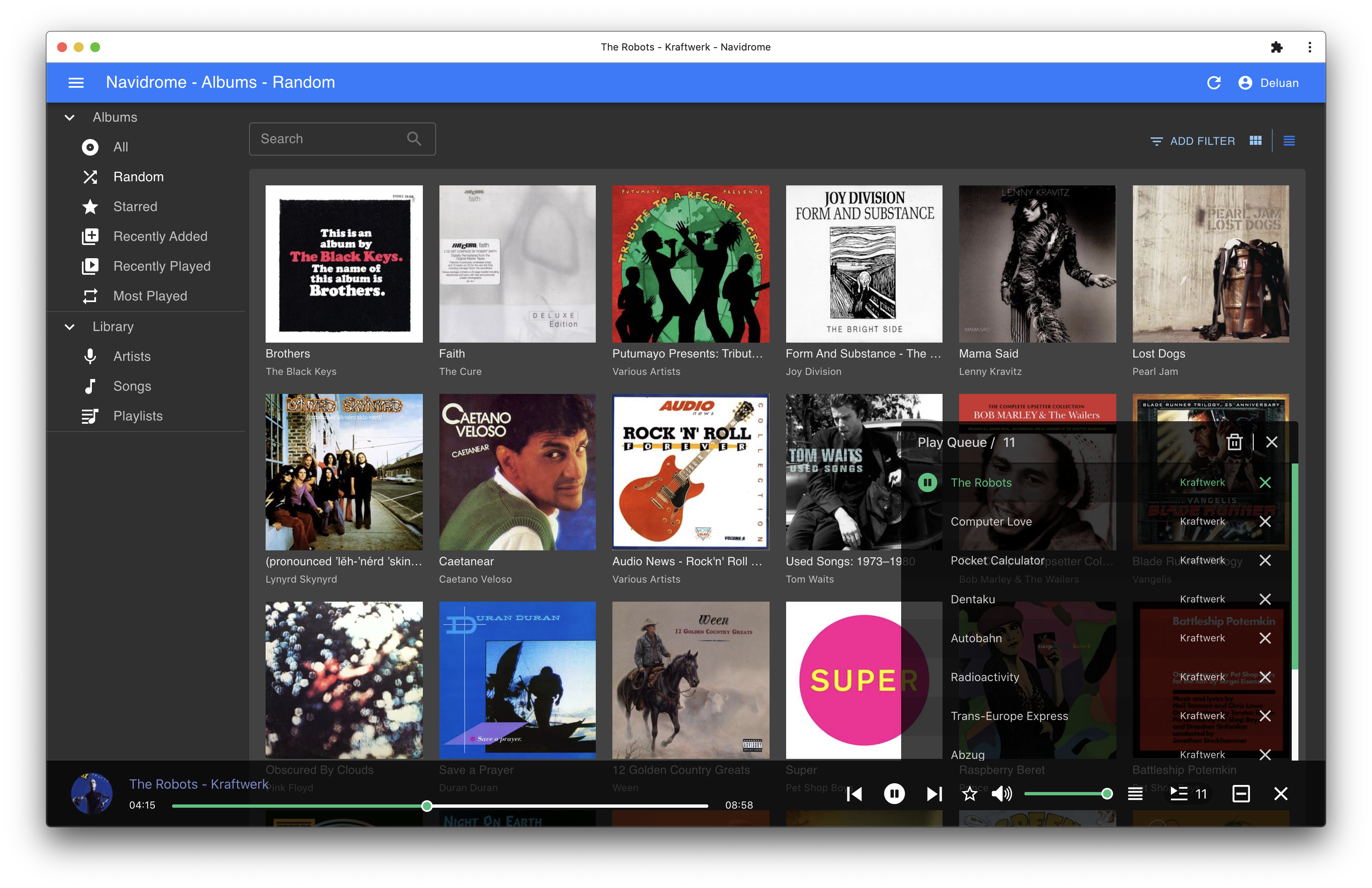
|

